
UpdraftPlus Security Breach Turns Backup Keys Into Backdoors
 By Admin
October 23, 2026
8 min read
By Admin
October 23, 2026
8 min read
Your backup plugin is supposed to be the thing that saves you after an attack, not the door the attacker walks through. That is exactly what happened last weekend. The UpdraftPlus security breach, which began when attackers compromised the developer's own website on October 17 and 18, handed criminals the remote management keys for an unknown number of WordPress sites. They used those keys to install backdoor plugins and quietly create administrator accounts. UpdraftPlus runs on more than 3 million websites, and while only a subset were exposed, the incident is a sharp lesson in how much trust site owners place in a single vendor.
What Happened in the UpdraftPlus Security Breach
According to Search Engine Journal's report on the incident, TeamUpdraft's website was compromised over the weekend of October 17 and 18, 2026. The company believes the attackers reached its customer database, which held customer details along with the connection keys that link individual WordPress sites to UpdraftCentral, its remote site management dashboard.
The UpdraftPlus security breach did not start with a bug in the plugin's code. It started on the vendor's side, with data the vendor stored on behalf of its customers. On October 19, TeamUpdraft shipped UpdraftPlus 1.26.13 for the free version and 2.26.13 for the premium edition, and WordPress.org pushed the free release to sites automatically. The company says it has seen no evidence that attackers still have access to its systems, though the investigation is ongoing.
Not every UpdraftPlus install was at risk. Only sites with an active UpdraftCentral Cloud connection were exposed, and TeamUpdraft says self-hosted UpdraftCentral installations were unaffected. Both the free and premium plugins were in scope, however, which widens the pool considerably.
How Stolen UpdraftCentral Keys Became a Backdoor
UpdraftCentral exists so agencies and busy site owners can manage many WordPress installs from one screen. Each connected site trusts instructions signed with its security key, and that trust lets the dashboard run administrative actions without anyone logging in to the individual site. In normal use, that is the whole point. In the UpdraftPlus security breach, it became the attack path.
With keys stolen in the UpdraftPlus security breach, attackers sent commands that looked identical to legitimate requests from the remote service. Sites accepted them, then installed and activated malicious plugins. Those plugins carried a backdoor that created a user with the Editor role and then quietly raised it to administrator-level permissions.
Why every security check passed
The most uncomfortable detail of the UpdraftPlus security breach is that nothing on the site itself failed. Patchstack, which published an early analysis before the fixes landed, put it bluntly: “This is not a vulnerability in UpdraftPlus, and as of 19 October no plugin update stops it.” The firm added that “every check in the plugin passes, because from the site's point of view the instruction is legitimate.” Because the backdoor created its own admin account, it also sidestepped two-factor authentication and login-attempt limits entirely.
The 99 fake plugin names
Patchstack identified 99 different names used for the malicious plugins in the UpdraftPlus security breach, including one called “Site Health Cache.” Names like that are chosen to blend in with the maintenance and caching tools most WordPress dashboards already list. A coding error in the backdoor caused some affected sites to throw server errors before it activated, but Patchstack warned that the glitch did not remove the danger. A site that briefly broke and then “recovered” could still be carrying the payload.
Why the Patch Does Not Clean an Infected Site
The October 19 releases revoke older UpdraftCentral connections and automatically disconnect affected sites, which closes the route used in the UpdraftPlus security breach. Version 1.26.13 also corrected how that revocation was applied in the release before it. That is the right fix for the entry point, but it is only half of the job.
The updates do not remove malicious plugins that were already installed, and they do not delete rogue administrator accounts. If a site was hit during the UpdraftPlus security breach window, updating locks the front door while the intruder is still inside. This is the same pattern we saw in the WordPress plugin backdoor attack earlier this year, where patched code did nothing about accounts and files the attackers had already planted.
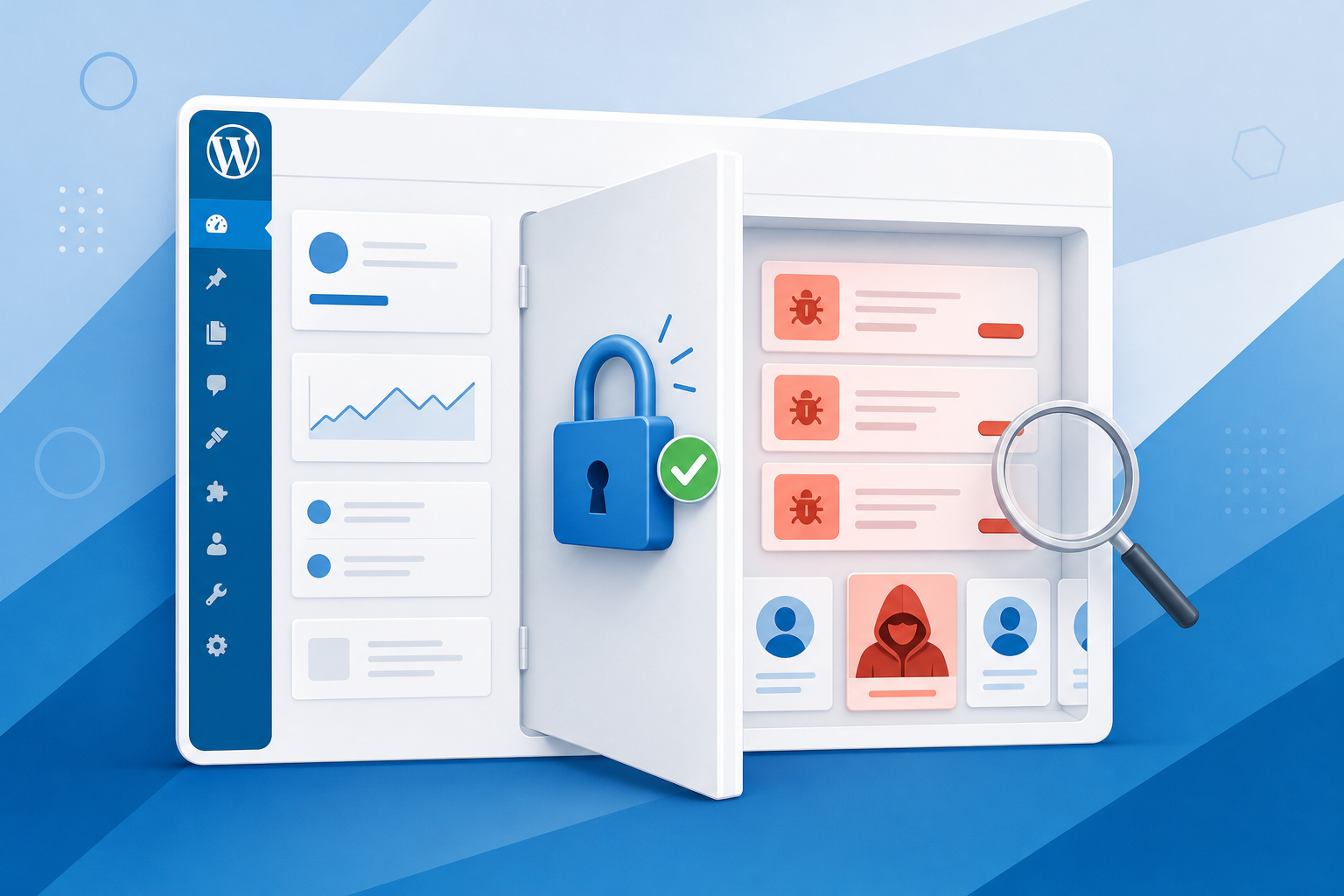
The Default Setting That Widened the UpdraftPlus Security Breach
Plenty of site owners will read the “only UpdraftCentral users” caveat and relax. Patchstack's analysis suggests that may be premature. It reported that the remote management option was enabled by default whenever a site was connected to a TeamUpdraft account. In other words, someone who only ever wanted cloud backups could have had a live remote management key sitting on their site without knowing it existed.
That detail changes the shape of the UpdraftPlus security breach. The exposed group is not just agencies running fleets of sites through a dashboard. It potentially includes small business owners who linked an account once, years ago, and never opened UpdraftCentral at all. If you are unsure whether your site was connected, assume it was until you have checked.
A Busy Month for WordPress Plugin Attacks
The UpdraftPlus security breach did not happen in isolation. October has been a rough month for the WordPress plugin ecosystem, and the other incidents share a theme: attackers want a hidden administrator account, and they will take any route that gets them one.
Bricksforge and the Ninja Forms campaign
On October 7, Patchstack detected active exploitation of CVE-2026-85097 in Bricksforge, an add-on for the Bricks builder. The Hacker News reported that the flaw, rated CVSS 10.0, lets unauthenticated attackers upload a PHP file disguised as a GIF and execute it. Traffic came from 63 unique IP addresses in what looked like automated scanning. In parallel, cross-site scripting flaws in Ninja Forms and WPC Product Bundles were used to plant backdoor plugins and admin accounts hidden from the Users screen.
The same report cites Wordfence figures showing 2,073 WordPress-related vulnerabilities published in the second quarter of 2026 and roughly 573,000 WordPress sites compromised in that period. Those numbers line up with what we covered in the recent WordPress plugin vulnerability affecting 3 million sites: plugins remain the largest attack surface in the ecosystem.
What the UpdraftPlus Security Breach Reveals About Remote Management
The lesson here is not “stop using UpdraftPlus.” The plugin itself behaved as designed. The lesson is that every remote management connection is a standing grant of administrator power, and that grant is only as safe as the place the keys are stored. When those keys sit in a vendor's database, your site's security inherits the vendor's security.
That is a supply chain problem, not a code problem, and it is harder to see. A vulnerability scanner checks plugin versions. It does not ask which third parties hold credentials that can act as an admin on your site. The UpdraftPlus security breach shows why that question belongs on every site owner's checklist, right alongside updates and strong passwords. The broader website malware campaign we reported on earlier this month followed the same playbook of quiet persistence over loud defacement.
It also shows why backups need to live somewhere other than the system they protect. TeamUpdraft's own advice is to consider restoring from a backup taken before October 17. That only works if the backup exists, predates the compromise, and was not stored somewhere the attacker could reach.
How to Respond if Your Site Runs UpdraftPlus
The first response to the UpdraftPlus security breach is to confirm you are on UpdraftPlus 1.26.13 or 2.26.13, or anything newer. Then go to Settings, UpdraftPlus, Advanced Tools, UpdraftCentral, and remove any connection keys you do not actively use. If you never use the remote dashboard, there should be none.
Next, review your installed plugins for anything you do not recognize, paying particular attention to names that sound like health checks or caches. Check the Users screen for unfamiliar administrators or Editors, and because some October campaigns hide accounts from that screen, ask your host or developer to look directly at the database and the must-use plugins folder. Change all administrator passwords and your TeamUpdraft account password.
If you do find signs of compromise from the UpdraftPlus security breach, a clean restore from a backup made before October 17 is usually faster and safer than trying to hand-pick malicious files. Server-level backups kept by your host, separate from any plugin, are worth their weight here.
Where This Leaves Site Owners
The UpdraftPlus security breach was not caused by sloppy code on your site. It came from stolen keys that your site was built to trust, and the patch closes that door without evicting anyone already inside. If your site was ever connected to a TeamUpdraft account, check your plugins and users now rather than waiting for symptoms. Going forward, treat every remote management connection as an admin login, and keep at least one backup copy outside your WordPress install.
If you want server-level backups, malware scanning, and support that can dig into your database when something looks off, take a look at MonsterMegs secure WordPress hosting.
Register domains anonymously
Private, no-KYC domain registration paid in cryptocurrency — your identity stays yours.
Explore anonymous domainsYou May Also Like

PHP Remote Code Execution Flaw and How We Are Responding
Update, October 21, 2026 (evening): Every PHP version on MonsterMegs servers is now patched against CVE-2026-109618 and CVE-2026-109619,…
Read More
Let’s Encrypt Now Tests Your Certificate Renewal Automation
Your SSL certificate is about to expire faster than your renewal script thinks it will. On October 7,…
Read More
A Staging Environment Workflow That Protects Your Live Site
Every site owner has felt it: you click “Update,” the screen goes white, and your inbox fills with…
Read More
Join the conversation